Purpose-built experience
This page focuses on xr view instead of repeating the general model detail page.

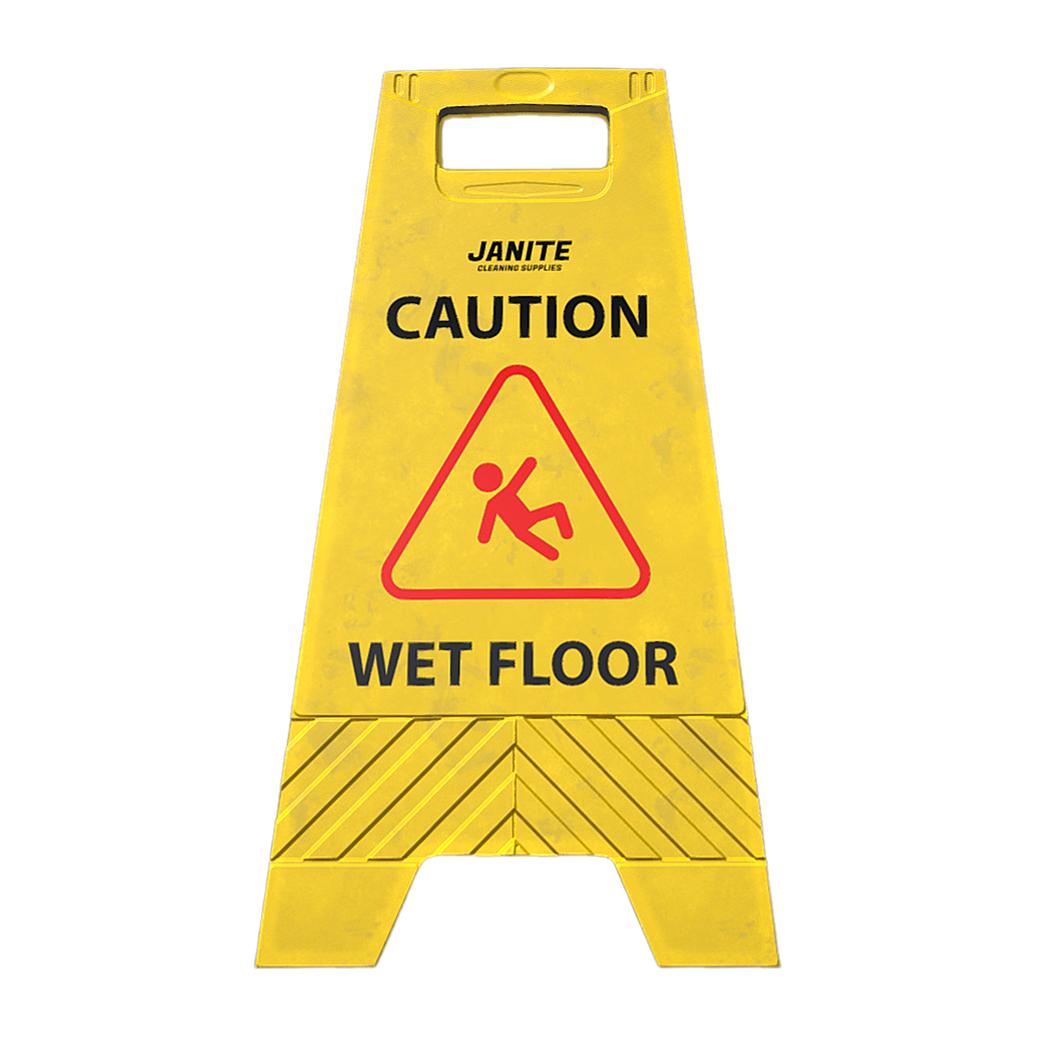
Inspect this 3D model with Meta Quest 3, Apple Vision Pro and compatible WebXR headsets. Save your device and continue from the same model.
This page focuses on xr view instead of repeating the general model detail page.
Your model access stays connected across download, 3D, AR and XR workflows.
Available formats and device support depend on this model and the browser or headset you use.
Yes. Open XR View on a compatible Quest browser and continue to the headset experience.
The page is designed for compatible Apple Vision Pro and WebXR browser workflows. Device support can vary by browser version.